I was watching a really great talk that Julia Evans gave about learning new things. One suggestion was to build projects like a TCP stack, or a keyboard driver. The point isn’t for it to be great but rather to learn something by diving into the guts of something. It sounded like it could be fun so I decided to dig one level deeper into something I depend on all the time: HTTP servers. Through this series, I will be putting together a basic web server using the primitives of TCP and threading. We’ll explore how to form HTTP requests and responses as well as different strategies that a server can use to handle many concurrent requests.
What I know before I start
I’m starting this project with a high level understanding of how webservers work. That TCP is a way computers talk to each other over networks. I know that webservers use a couple different strategies for handling multiple requests concurrently. They can use threading, spawning a new thread per request. There’s also some strategy that involves event loops. I’m hazy on the exact details though, but we’ll learn soon enough!
What I’ll be building
I’m going to create a pretty basic calculator web server. It’s going to respond to GET requests that look like /add/2/3 and return 5 in the body. It will also support a /calc json api which takes a request body that looks something like:
1 2 3 4 5 | |
Most importantly, it will not be done using any webserver frameworks. I can only read and write bytes from open sockets and I must implement support for concurrency by hand. Let’s get started.
Step 1 - TCP Communication
The very first thing to get comfortable with is talking TCP. TCP is a protocol for sending messages between a source and a destination and for this project, that’s really all we need to know. This all feels a little abstract though; let’s see TCP messages in action. The easiest way I’ve found to do this is to use a program called netcat. You can check if you have netcat installed by running nc.
The simplest demo of what you can do in netcat is to open a terminal with two tabs. In one run
1
| |
Which will just sit there and wait. -l means “run netcat in listen mode” and 1234 is the port it’s listening to. Basically, it’s just waiting for someone to connect to that port and send some messages.
So let’s connect to that port. In a separate tab run
1
| |
-v means “run in verbose mode”. For learning purposes we’re just gonna run everything always in verbose more. You should see something like:
At this point you should be able to send a message from one of the tabs and see it echoed in the second. You can see a demo here:
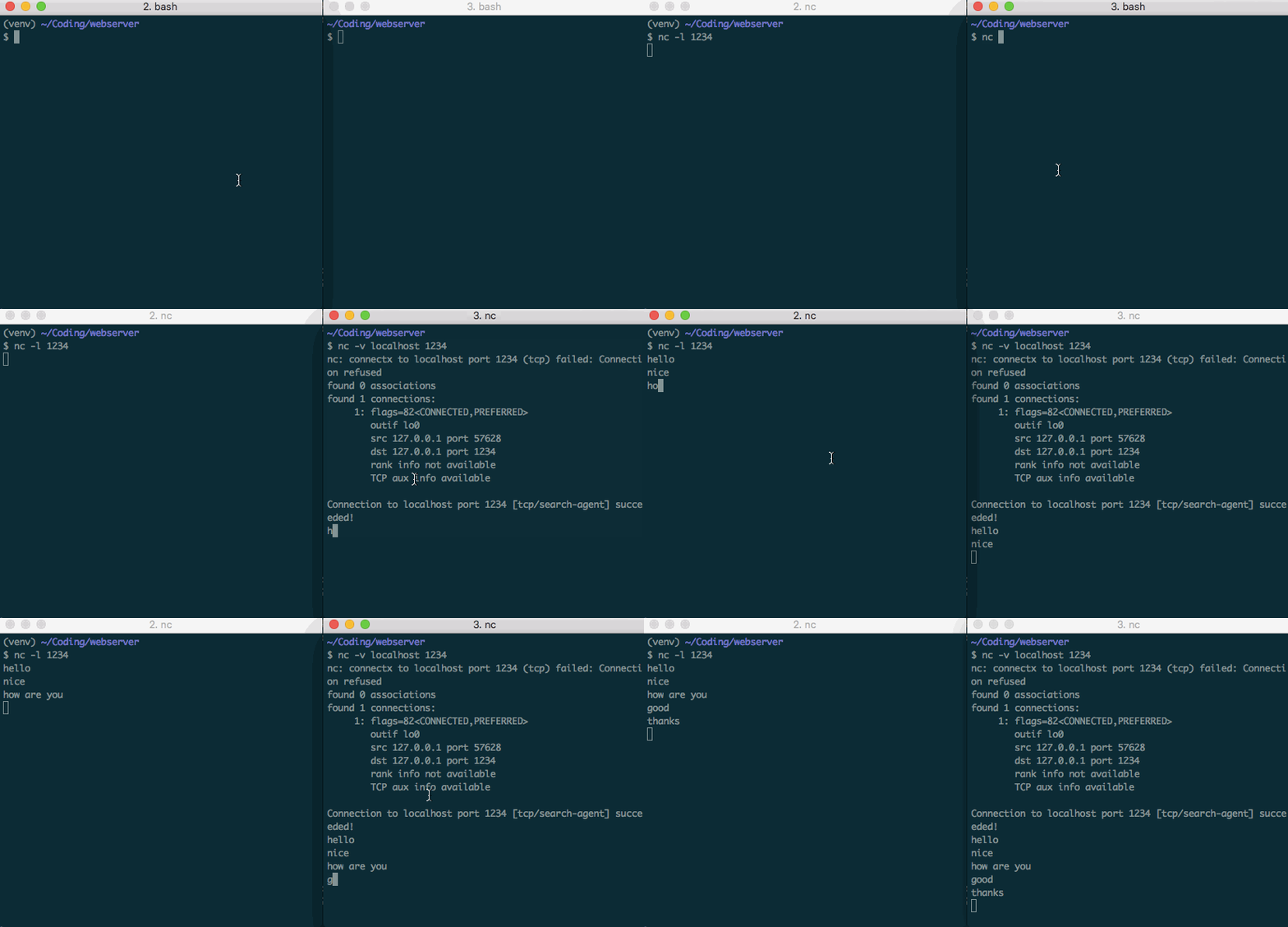
Open up your terminal and try it yourself. These messages are going to be the building blocks of our web server. Everything we do from here on out is going to be sending messages just like this, just programatically generated and with the messages specially formatted to conform to the HTTP spec.
TCP Communication in Python
I’ll be doing this whole project in python. Note: I’m working in python 3.7.2. Let’s look at the code to send and receive TCP messages.
1 2 3 4 5 6 7 8 9 10 11 12 13 | |
This is just going to accept connections and print out who is connecting. Let’s give it a try.
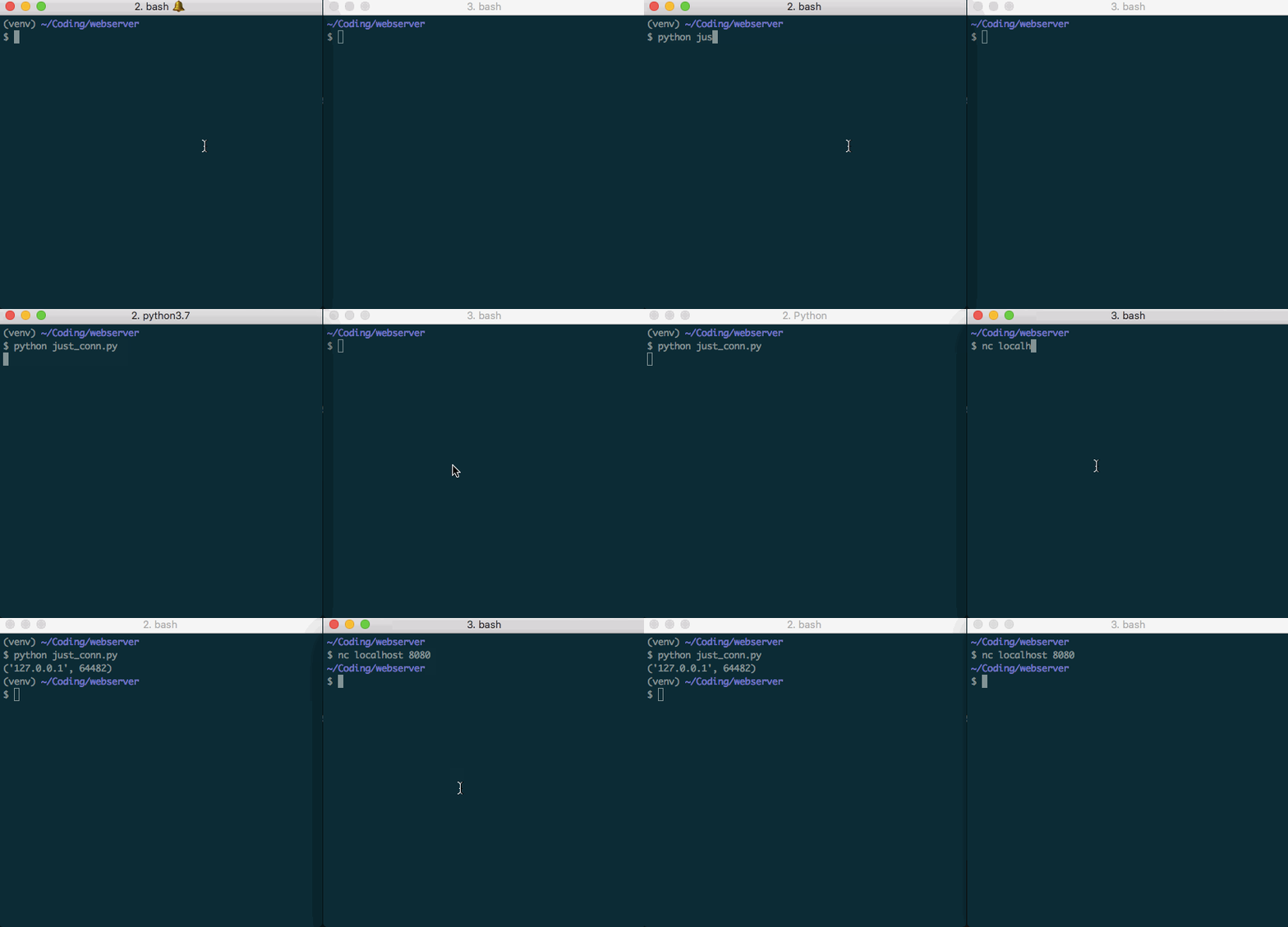
That’s a start! Now instead of just establishing a connection and printing the connection information, let’s actually send and receive messages. For this example, we’re going to ask for a name, receive the name and then greet the connector.
1 2 3 4 5 6 7 8 9 10 11 12 13 14 15 16 | |
And the result:
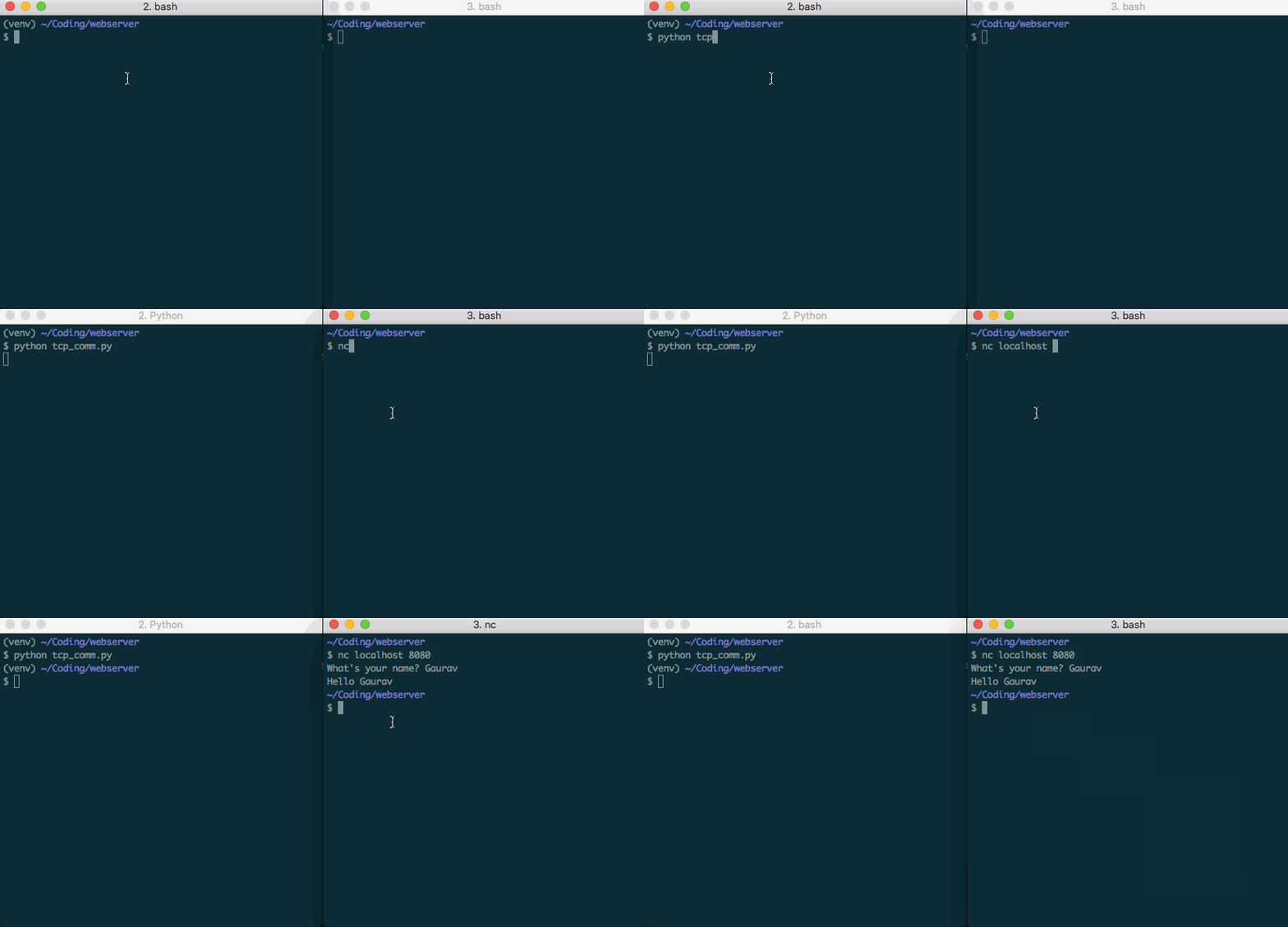
And with that we’ve got basics of sending and receiving message over TCP. We still want to talk HTTP instead of ASCII strings, keep the server alive after responding to a request and be able to handle many requests concurrently, but we’ll save all that for future posts.
Wrapping Up
In this post we went over the basics of TCP communication, looked at netcat and made a simple program to greet people over a network. In the next post, we’ll look at sending HTTP messages back and forth, instead of just ASCII text. Before jumping to that, play around with the concepts in this post. I only talked over localhost; try using netcat to talk between two different computers.